
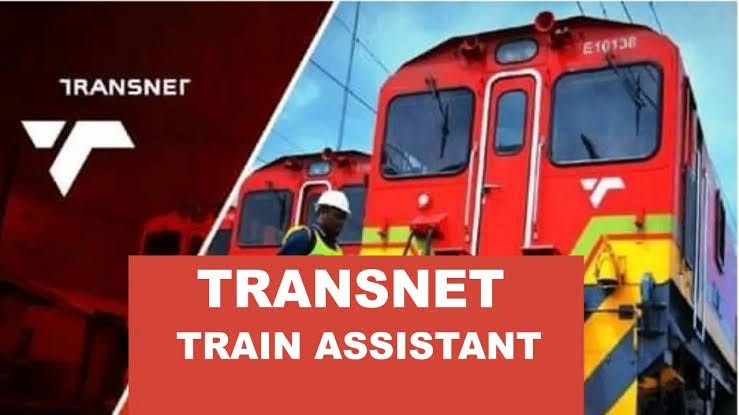
Applications for Transnet trainee positions, learnerships, and Youth Development Programmes must be submitted directly by you through the official Transnet online recruitment system.
Transnet strictly does not accept applications via email, post, or third-party submissions.
📌 Step-by-Step Guide to Submit Your CV to Transnet
1. Access the Official Transnet Careers Portal
Visit the official portal at www.transnet.net/careers.
Click on Careers / Jobs at Transnet or access the Transnet Talent Portal.
2. Register / Create a Candidate Profile
Click Register to create an account.
Fill out your personal details (Full Name, ID/Passport Number, Contact Details, and Address).
Upload your 2-page CV in PDF or Word format.
3. Complete Profile Sections
Education & Qualifications: Fill in your Grade 12 (Matric) details and any diplomas, certificates, or degrees completed.
Work Experience: Add any prior work experience, internships, or learnerships.
Certificates & Attachments: Attach certified copies of your ID document, Matric certificate, and tertiary qualifications/academic record (usually certified within the last 3 months).
4. Search and Apply for Trainee Opportunities
Once your profile is set up, search for active postings under categories like:
Young Professionals in Training (YPT)
Technician in Training (TIT)
Engineer in Training (EIT)
Apprenticeships & Learnerships (e.g., Fitter & Turner, Electrician, Freight Handling)
Work Integrated Learning (WIL)
Select the specific Trainee vacancy you qualify for, click Apply, confirm your uploaded CV and details, and click Submit Application. You will receive an automated email confirmation once submitted.
💡 Important Application Tips
Format: Ensure your CV is clean, free of errors, and no longer than 2 pages.
Relevance: Tailor your CV summary/objective to match the specific trainee or technical field you are applying for.
Technical Support: If you experience issues with the online portal, contact Transnet recruitment support at careers-help@transnet.net.